



Control Analog and Network PTZ Cameras from a Windows PC
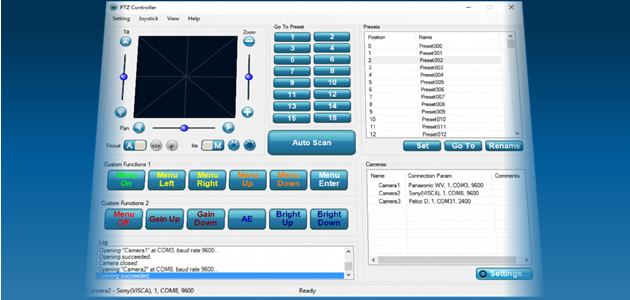
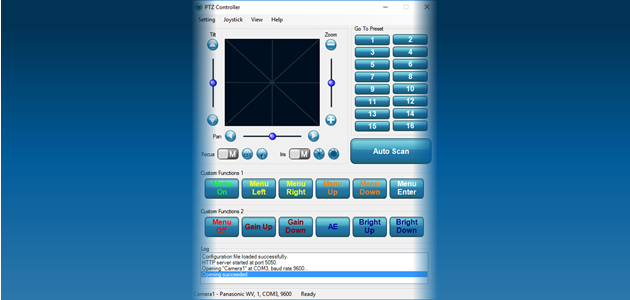
PTZ Controller is Windows software for controlling one or multiple PTZ cameras. It supports serial and network connections, multiple PTZ protocols, joystick and gamepad control, presets, auto scan, and remote HTTP control.
30-Day Free Trial — Download and test PTZ Controller with your own camera before purchasing.
Camera Compatibility
Camera compatibility depends on the camera model, control protocol, connection method, and configuration settings. Support for a protocol does not guarantee compatibility with every camera using that protocol.
We strongly recommend downloading the free trial and testing the software with your own camera and hardware setup before purchasing.
Supported Protocols
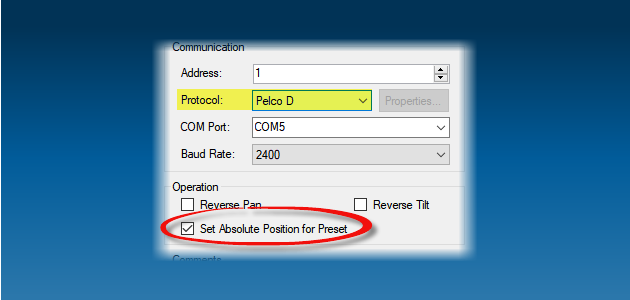
- Analog PTZ Cameras: Pelco-D, Pelco-P, Sony VISCA, Bosch, Panasonic, Samsung, LG, LiLin, Canon, and Hitachi
- Network PTZ Cameras: ONVIF, Canon, Panasonic, and PTZOptics
Key Features
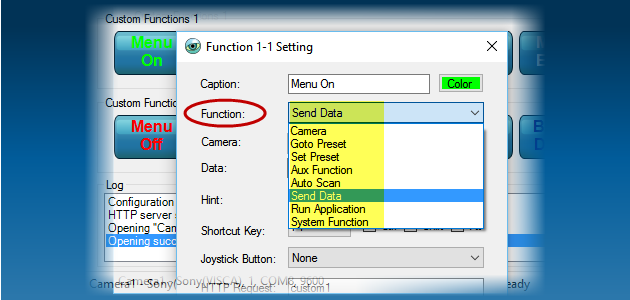
- Control Pan, Tilt, Zoom, Focus, Iris, Presets, Auto Scan, and other camera functions
- Control multiple PTZ cameras from one computer
- Connect analog PTZ cameras through a COM port or Ethernet-to-serial connection
- Control supported network PTZ cameras over an IP network
- Use a USB joystick, gamepad, or Xbox 360 controller
- Create multiple auto-scan tracks using preset positions or auto pan
- Use automatic or manual Focus and Iris control
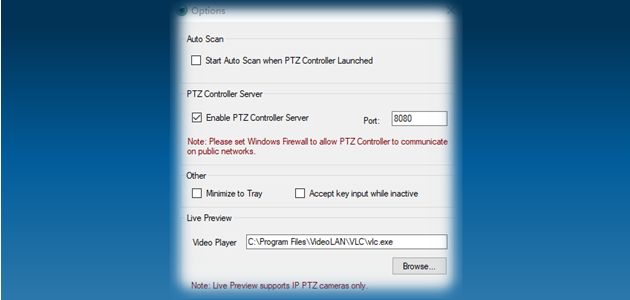
- Run PTZ Controller as a server
- Control cameras remotely through HTTP requests
Test Before You Purchase
PTZ camera systems vary by manufacturer, model, firmware, protocol, and connection hardware. The most reliable way to confirm compatibility is to install the 30-day free trial and test PTZ Controller with your actual equipment.
Control Demo